Get help and training
CoBaseKRM user documentation
You can view the user guide for the JMP add-in by clicking or tapping the documentation icon in the navigation bar of the JMP add-in.
To view the user guide for the JMP add-in:
-
Click or tap the documentation icon in the navigation bar.

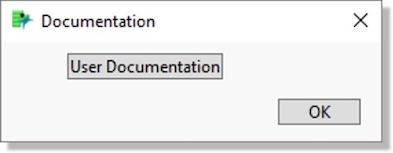
The Documentation dialog appears.
-
Click or tap the User Documentation button.
The user documentation is displayed in a new tab of your default browser window.
-
Click or tap the Release Notes button.
The release notes are displayed in a new tab of your default browser window.