View or assign an administrator to a workspace
Permissions and access
Minimum role: Lab manager
Client type: web client
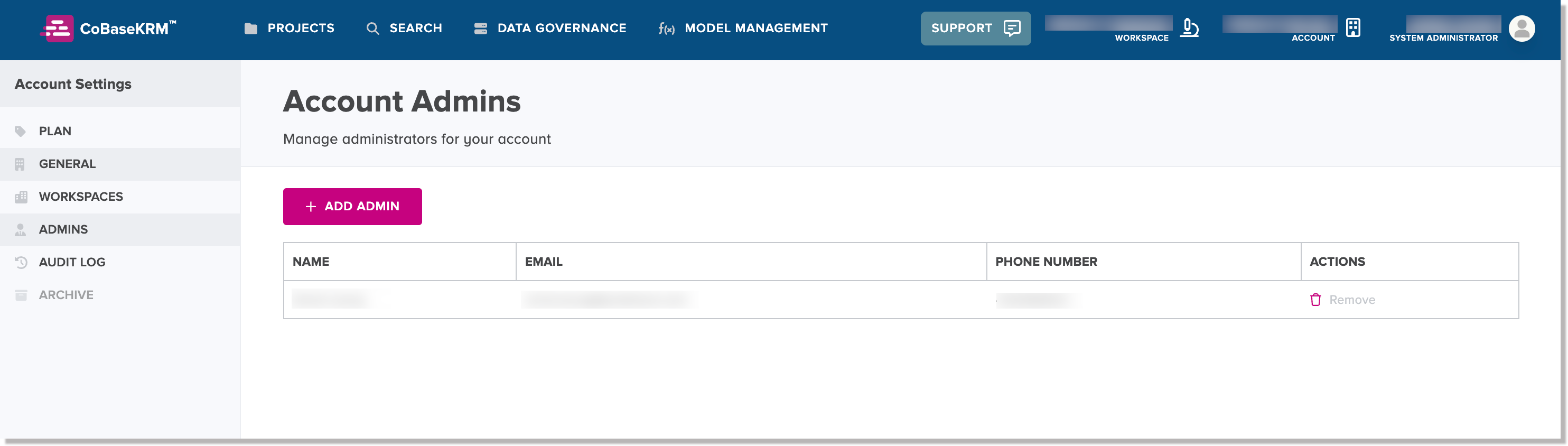
The Account > Account Admins tab displays the administrators who have been granted permission to administer a given workspace. An administrator is assigned by default when you create a workspace, but you can assign additional administrators, if needed.
Add an administrator to an account
To add an administrator to an accout:
-
On the Account > Account Admins tab of the Settings view, click the Add Admin button.
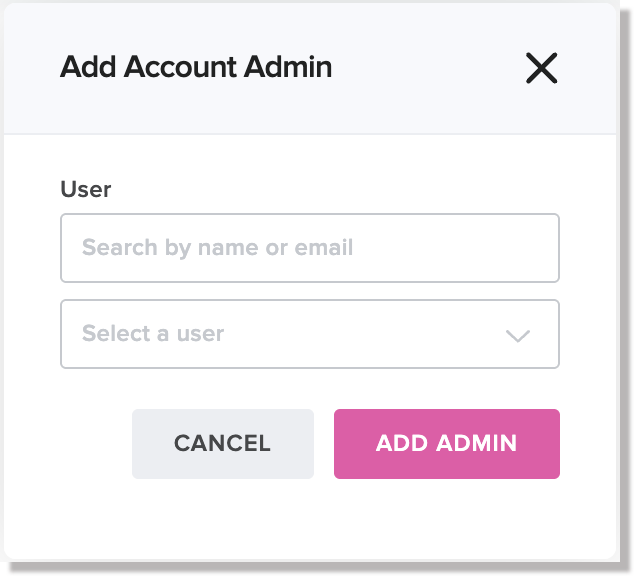
The Add Account Admin dialog appears, showing a list of members who belong to the given workspace.
-
In the list of members, select one or more users and click or tap Assign.
The Assign Admins dialog dispappears. The selected members will be displayed on the Account > Account Admins tab of the Settings view.