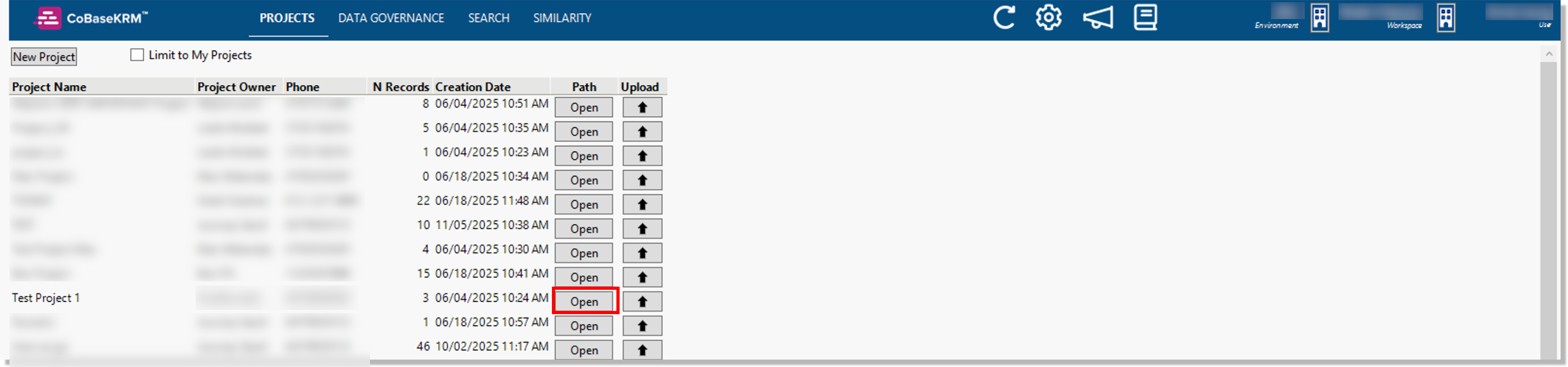
Projects view
Permissions and access
Minimum role: Lab manager
The Projects view in the JMP add-in for CoBaseKRM displays a list of all active projects.
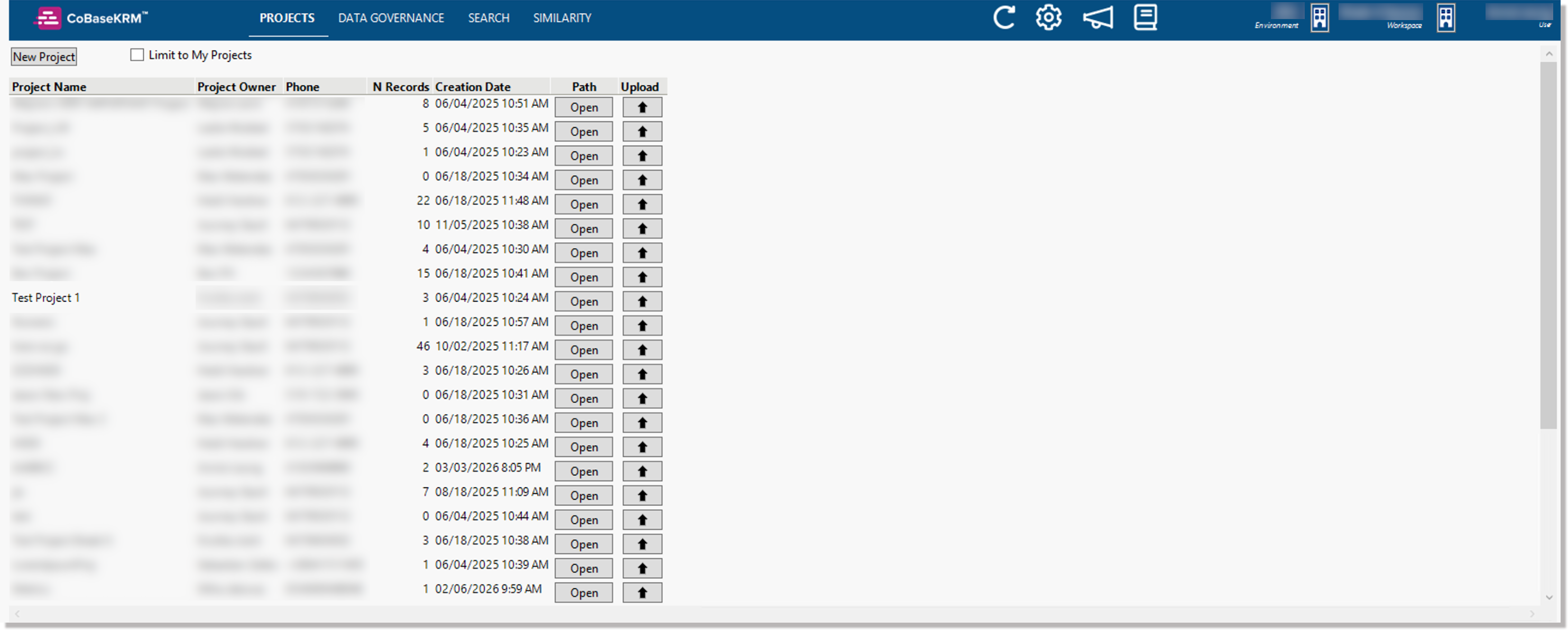
For each listed project, some details and metadata are displayed in the following columns:
-
Project Name - the name of the project
-
Project Owner - the user who is the assigned owner of the project
-
Phone - the telephone number of the project owner
-
N Records - the total number of existing project records
-
Creation date - the date on which the project was created
-
Path - you can click or tap the Open button to open the corresponding Network Map tab for a project in the web client
-
Upload - you can click or tap the upload button to open the upload dialog to select a data table and other files to be uploaded to the database
If you want to filter the listed projects to display only the projects that you have created, turn on the Limit to My Projects checkbox.

Open a network map for a project
If you want to view a network map for a project, click or tap the corresponding Open button in the Path column.