Update settings for a project
The Project Settings tab for a project enables you to change available settings for the project. To navigate to this view, select Projects from the navigation bar, click or tap a project and select the Project Settings tab.
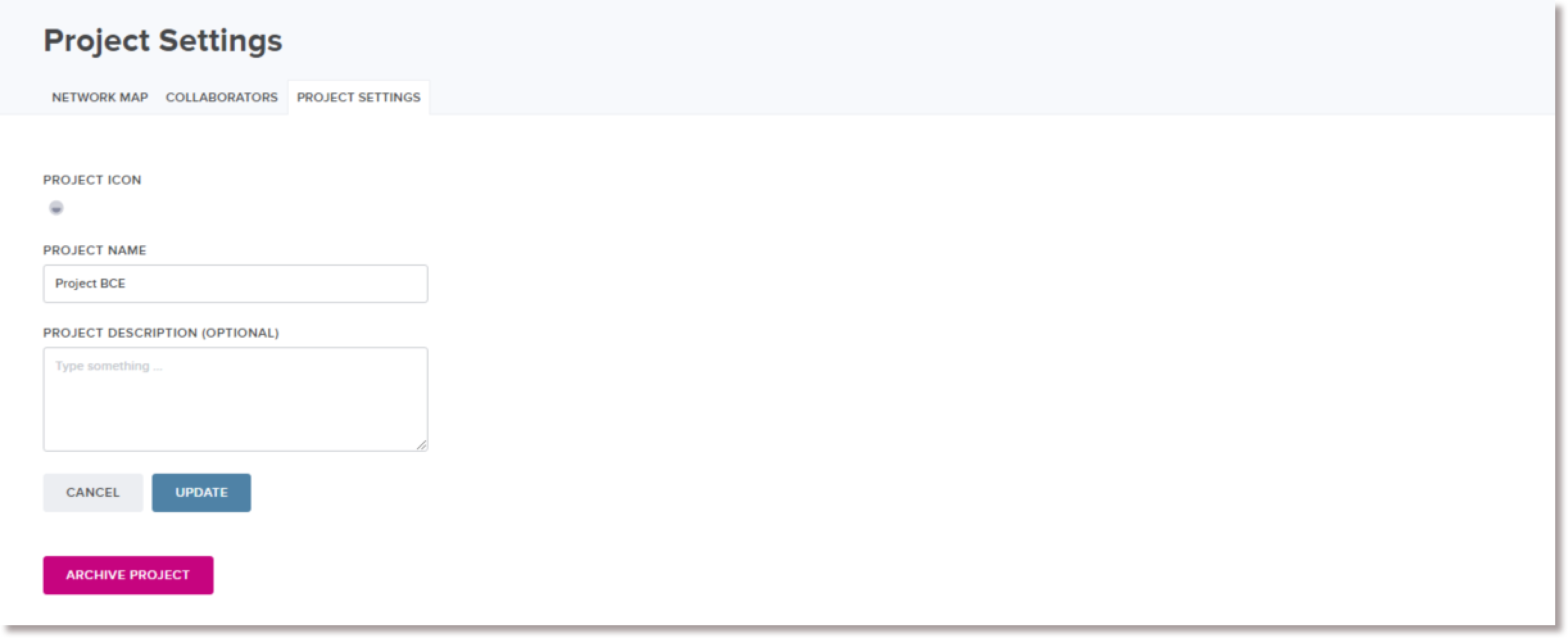
Currently, the Project Settings tab support the following capabilities:
- Change the name of a project
- Change the description of a project
- Archive a project
Change the name of a project
To change the name of a project:
-
On the Project Settings tab, edit the name value in the Project Name field.
-
To save your changes to the database, click or tap the Update button.
Change the description of a project
To change the description of a project:
-
On the Project Settings tab, edit the value in the Project Description field.
-
To save your changes to the database, click or tap the Update button.