Audit log
Permissions and access
Minimum role: Administrator
Client type: web client
The Audit Log feature on the Workspace settings > Audit Log tab records an audit trail of usernames, activities, and tasks in CoBaseKRM for maintaining traceability, accountability, data integrity, and security. The records of the audit log are listed by default by latest date.
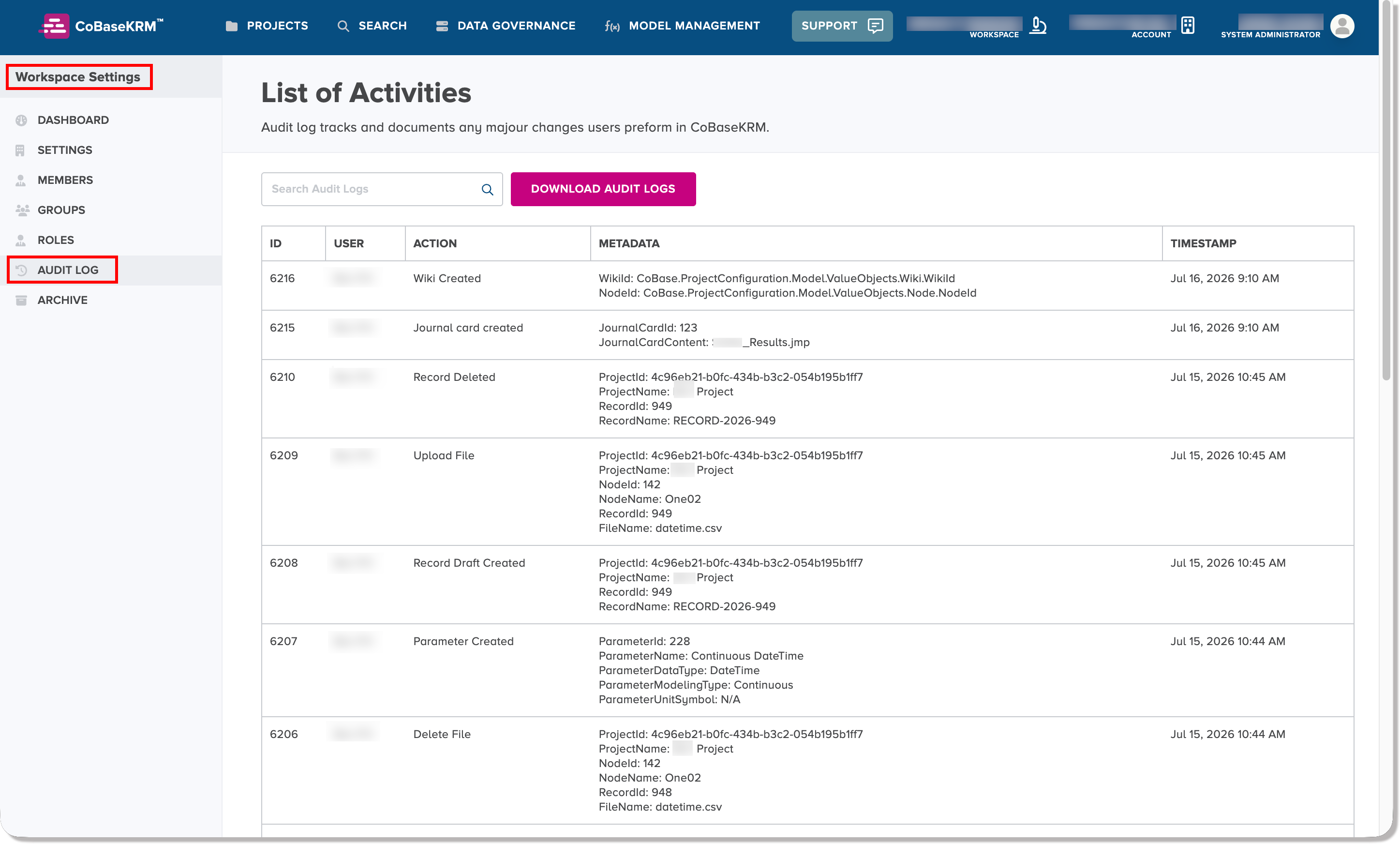
The Audit Log tab displays the following columns of information.
| Column Heading | Description |
|---|---|
| ID | Displays an audit record ID |
| User | Username of the user who performed the activity |
| Action | A summary description of the activity |
| Metadata | A summary of details about the data transaction, object name, and related object name(s) |
| Timestamp | The timestamp in Coordinated Universal Time (UTC) that has been recorded for the activity |
Download the audit log
If you want to download the audit log records, click or tap the Download Audit Log button.
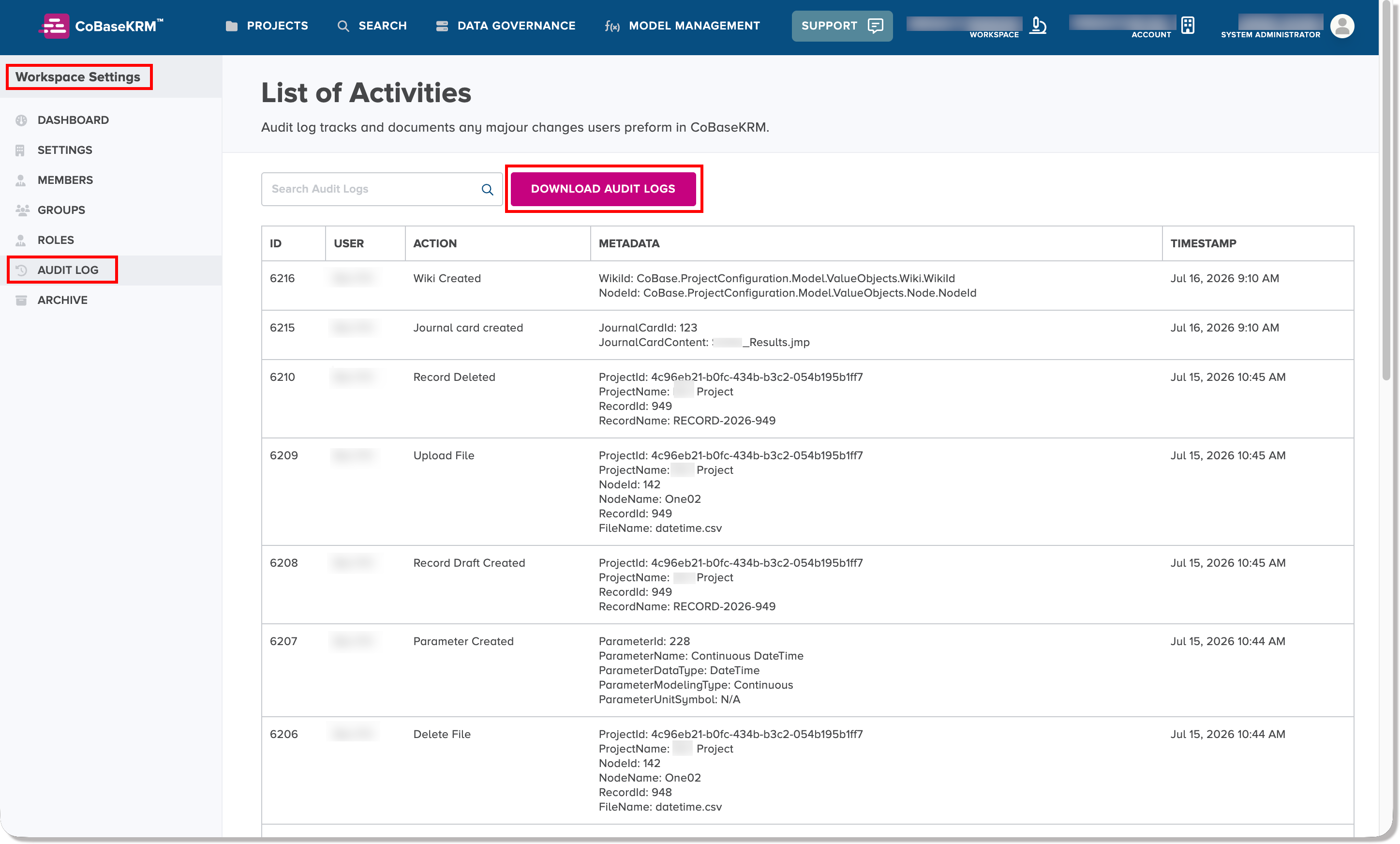
The audit log records will be exported from the database to a comma-separated values (CSV) file to the Downloads folder on your computer.