Account settings
Permissions and access
Minimum role: Lab manager
Client type: web client
The Account Settings view lets an administrator define and change settings associated to a business account in the web client.
The following features are supported for defining and updating account settings:
- Change general settings for your account - settings associated to your business account
- View or add a workspace associated to your account - purchased workspaces associated to your business account
- View or add an administrator to your account - administrators assigned to your business account
Change general settings for your account
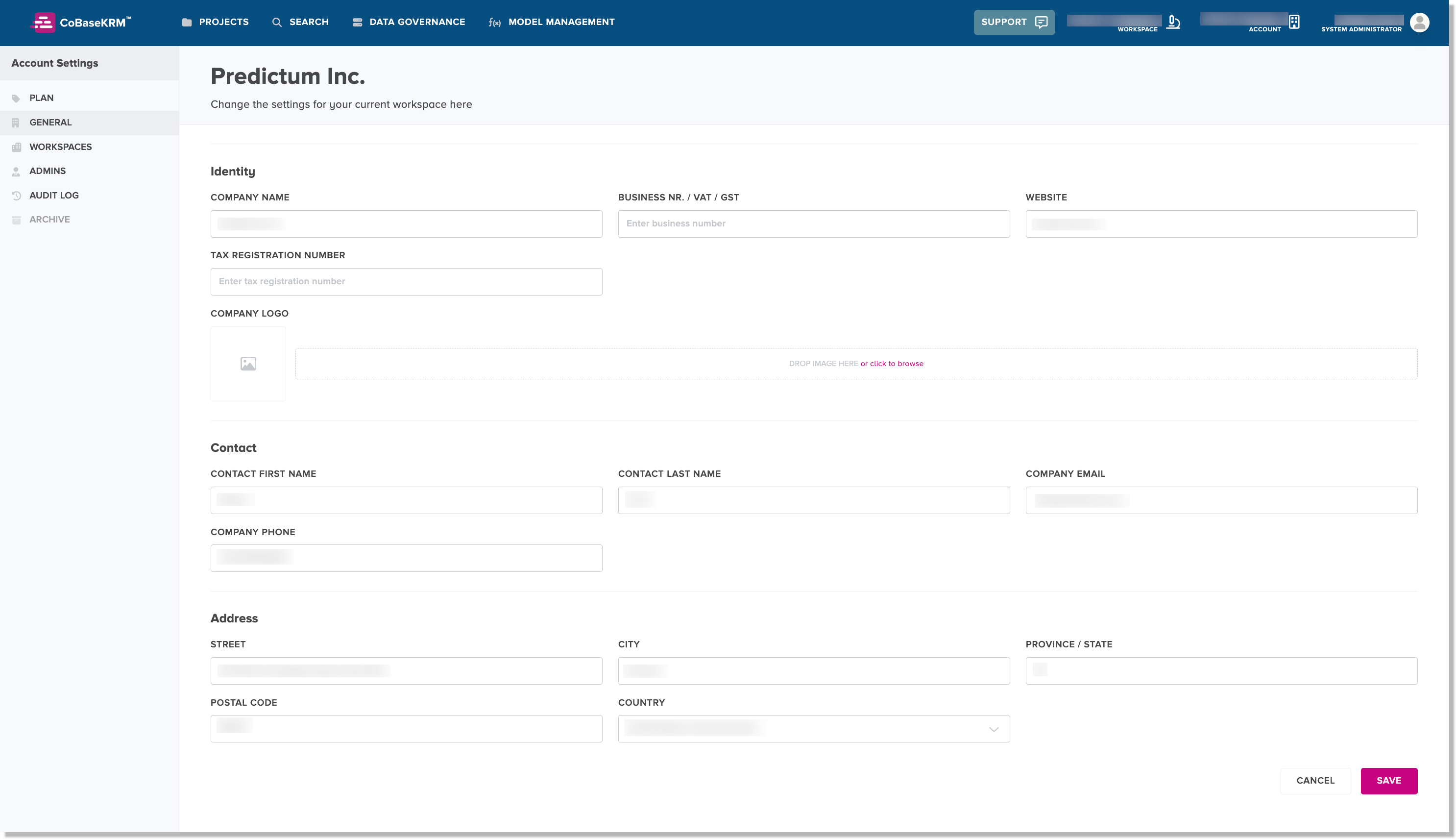
The Account settings > General tab lets you change the general settings for your account.
To change the general settings for your account:
-
Click or tap the account icon
 and select Account settings > General.
 You are navigated to the Account section > Account General tab of the Settings view.
-
Change the values of the input fields, as needed.
Note
Required fields must be defined with a value and cannot be empty.
-
Click or tap Save.
View or add a workspace to your account
The Account settings > Workspaces tab of the Settings view lets you view a list of workspaces that are associated to your account. You can also add a new workspace if you have purchased it.
For each listed workspace, there is a menu icon that displays two actions:
- Go to workspace - navigate to the given workspace
- Archive workspace- archive the given workspace
View or assign an administrator to your account
The Account settings > Admins tab lets you view a list of administrators for your account and add an administrator, if needed.