Workspaces assigned to a user account
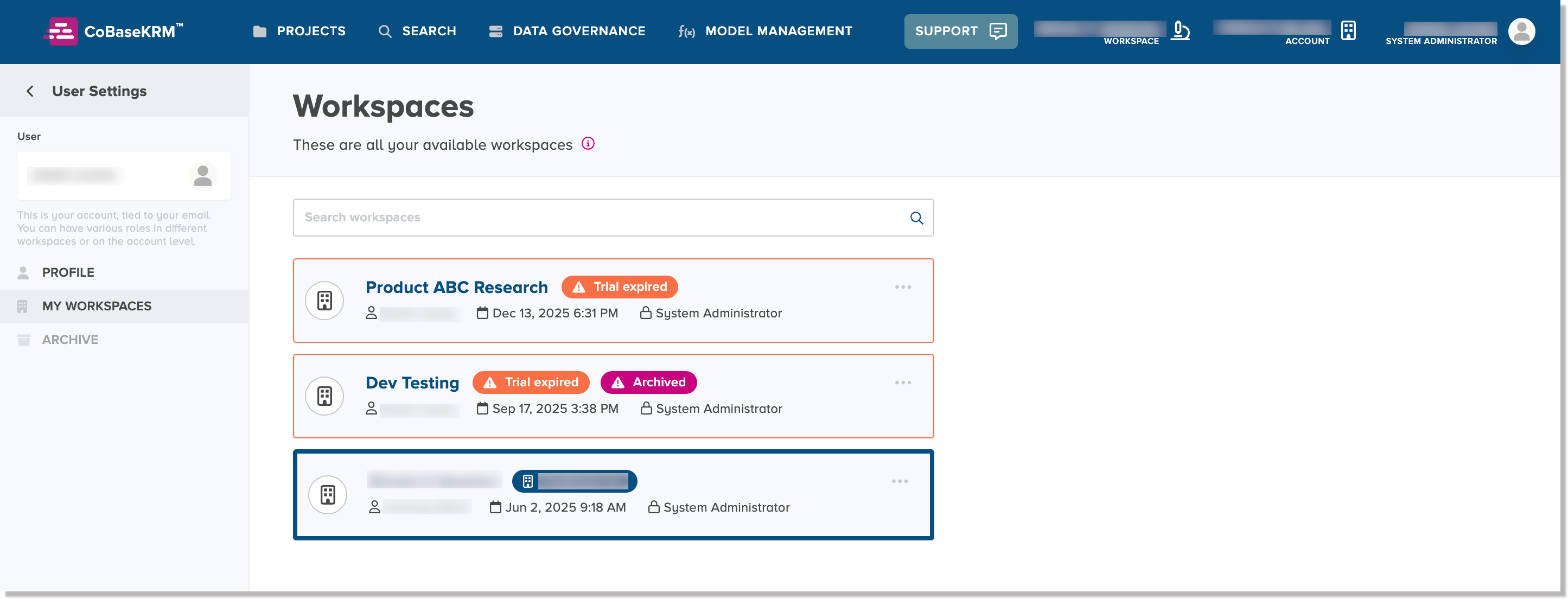
The User Account > My Workspaces tab of the Settings view displays the assigned workspaces to your user account. Typically, an administrator for a workspace will invite you to join a workspace before you become a member of a workspace. For each workspace that you are assigned to, your role within the workspace is also listed.
To be able to invite another user to a workspace, you will need to be granted an administrator role.
If a workspace was assigned to you and was under a trial period, which has expired, it will be marked with a status label "Trial Expired". If an expired workspace has been archived, it will have an additional status label "Archived".